
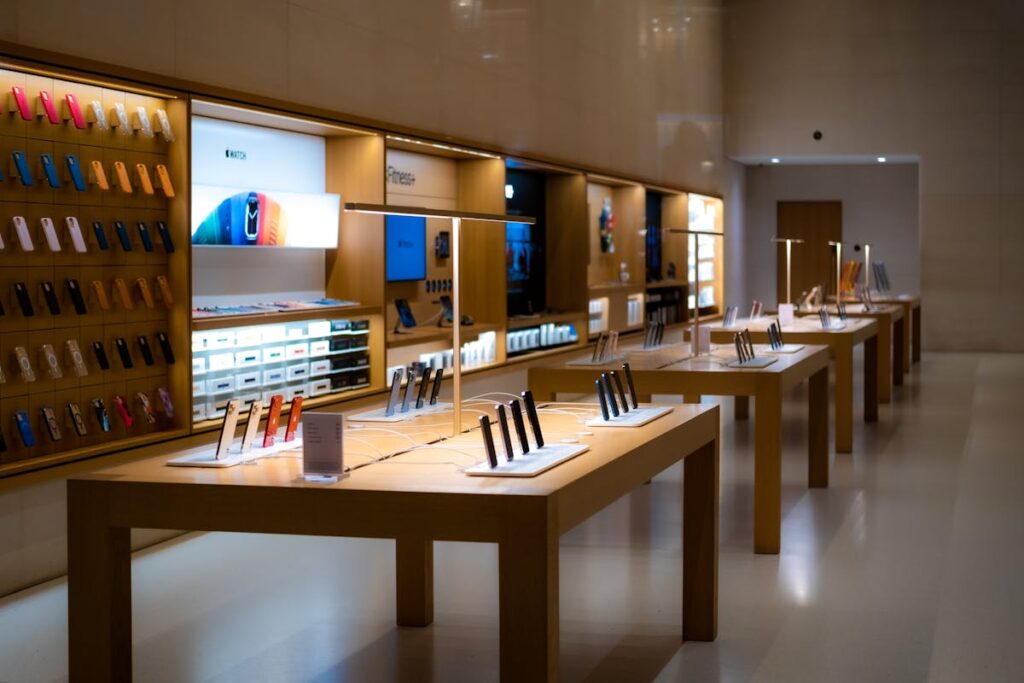
Metro by T-Mobile locations give customers a simple way to buy phones, start prepaid service, or get help with their mobile accounts in person. While many tasks can be completed online, visiting a nearby store can save time when activating a device, switching plans, or troubleshooting a problem.
Metro by T-Mobile has thousands of authorized retail locations across the United States. These locations are designed to provide straightforward support and affordable mobile options without long contracts. For many customers, especially seniors who prefer speaking with someone directly, a local Metro store can be the easiest place to handle mobile needs.
Understanding where to find these stores and what services they provide can make your next visit much smoother.
Overview of Metro by T-Mobile
Metro by T-Mobile is a prepaid wireless provider that operates under the larger T-Mobile network. Instead of signing long contracts, customers pay for their service monthly in advance. This structure makes it easier to control spending and adjust plans when needed.
The company originally operated under the name MetroPCS before becoming part of T-Mobile. After the acquisition, Metro’s service was integrated into T-Mobile’s nationwide network. As a result, customers now benefit from the same infrastructure that supports T-Mobile users, including wide coverage and growing 5G access.
Several factors explain why many people choose Metro by T-Mobile.
- Affordability: Metro plans typically bundle unlimited talk and text with data options at prices that remain competitive compared with traditional carriers.
- Network reliability: Since Metro runs on the T-Mobile network, customers can connect to service in most urban and suburban areas, as well as many rural regions.
- Physical retail stores: Unlike some low-cost carriers that operate mainly online, Metro maintains a large number of neighborhood stores where customers can speak with staff and resolve issues quickly. For individuals who want clear explanations and personal assistance, these stores provide valuable support.
How to Find Metro by T-Mobile Locations Near You
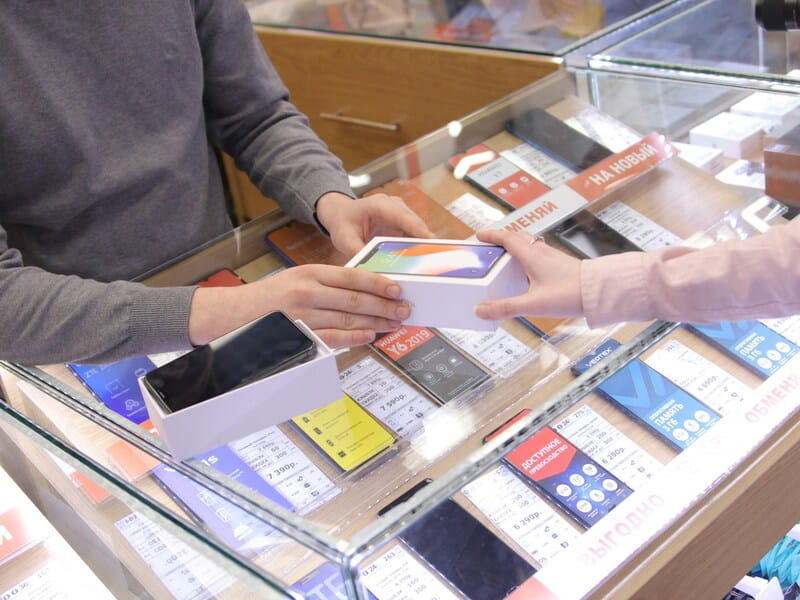
Finding Metro by T-Mobile locations is simple through its store locator, map applications, etc. Image by Unsplash
Finding Metro by T-Mobile locations near you is usually quick, and the 4 methods below can help you easily locate the nearest store.
Use the official Metro store locator
The most direct method is visiting the Metro by T-Mobile website and using the built-in store locator tool. Enter your ZIP code, city, or street address to view nearby stores.
The results normally include the store’s address, phone number, and daily operating hours. Many listings also show directions, which can help you plan the quickest route.
Search through map applications
Map services such as Google Maps or Apple Maps provide another convenient option. Entering “Metro by T-Mobile” in the search bar will display nearby stores along with distance, travel time, and navigation directions.
Map apps also display customer reviews and photos, which may help you choose the most convenient location.
Visit nearby retail districts
Metro stores are often located in busy shopping areas, including neighborhood plazas, strip malls, and commercial streets. If you regularly shop in these areas, you may already have a store close to home.
Checking signs or store directories in local shopping centers can sometimes reveal a Metro location you had not noticed before.
Ask customer support for help
If you prefer speaking with someone directly, Metro by T-Mobile customer service can help you locate a nearby store. A representative may also confirm business hours or let you know whether a location provides the service you need.
>>>Read more: T Mobile vs Verizon: Which Is Better in 2026?
What Services Are Offered at Metro by T-Mobile Locations?
Most Metro by T-Mobile locations provide a wide range of services designed to help customers manage their mobile devices and accounts.
Buying new phones
Metro stores carry several smartphone models, ranging from affordable entry-level devices to more advanced models. Staff members can explain the differences between phones and help customers select one that fits their daily needs.
Promotional offers or limited-time discounts may also be available at certain times of the year.
Activating prepaid plans
Starting service with Metro is often easiest in person. Store employees can activate a new plan, insert a SIM card, and set up the phone so it connects to the network right away.
If you are switching from another carrier, they can also assist with transferring your existing phone number.
Upgrading to a newer device
Current Metro customers sometimes visit stores to upgrade their phones. Representatives can explain available upgrade options and move your contacts, photos, and apps to the new device.
This process can prevent data loss and simplify the transition.
Help with device setup
Some customers prefer assistance when setting up a smartphone for the first time. Store staff can guide you through tasks such as connecting to the mobile network, adding email accounts, downloading essential apps, or adjusting accessibility settings.
This type of help can be especially useful for those who are new to smartphones.
Paying monthly bills
Many Metro stores allow customers to pay their monthly service bill directly at the counter. This option works well for individuals who prefer paying in person or who do not use online billing systems.
Depending on the location, a small service charge may apply.
Technical support
If a phone stops working correctly, visiting a store may provide a faster solution than troubleshooting alone. Staff can examine SIM cards, review network settings, and identify whether the issue involves the phone or the service.
If necessary, they may also guide you through repair or replacement options.
Phone accessories
Metro stores typically sell accessories designed for common smartphone models. These may include protective cases, chargers, screen protectors, and headphones. Staff can help confirm which accessories fit your specific device.
>>>Read more: Jitterbug Flip: Is It a Good Choice for Seniors?
FAQs
Where can I find Metro by T-Mobile locations near me?
You can locate nearby Metro stores by using the store locator on the Metro by T-Mobile website, searching through map apps like Google Maps, or contacting Metro customer service for assistance.
What services can I get at Metro by T-Mobile locations?
Metro stores offer several services, including phone purchases, prepaid plan activation, upgrades, technical troubleshooting, bill payments, device setup assistance, and accessory sales.
Are Metro by T-Mobile locations open on weekends?
Many Metro stores operate on weekends, although hours differ depending on the location. Checking the store listing online or calling ahead can help confirm weekend hours before visiting.
Conclusion
Metro by T-Mobile locations remain one of the easiest ways to manage prepaid mobile service in person. With stores located in many cities and neighborhoods across the country, customers can often find help nearby without traveling far.
Whether you want to purchase a new phone, activate a prepaid plan, pay your bill, or solve a technical issue, visiting a store provides quick support from knowledgeable staff. For anyone who prefers clear guidance and direct assistance, Metro by T-Mobile locations offer a reliable place to handle everyday mobile needs.