The Jitterbug flip phone is designed to give seniors a simple and reliable way to stay connected without the complexity of modern smartphones. Many older adults prefer a device that focuses on clear calls, easy texting, and helpful safety features rather than complicated apps and internet tools.
With large buttons, a bright screen, and a straightforward menu, the Jitterbug flip phone is built specifically for users who may not feel comfortable navigating advanced technology. Families often choose it for parents or grandparents who want a dependable phone that works without confusion.
Understanding what the phone offers, how it works, and how the Jitterbug Flip 2 differs from earlier versions can help determine whether this device fits a senior’s needs.
What Is the Jitterbug Flip Phone?
The Jitterbug flip phone is a basic mobile device created with older adults in mind. Marketed by Lively, the phone focuses on essential communication tools and safety support.
Unlike smartphones that rely heavily on touchscreens and complex apps, the Jitterbug flip uses a classic flip design. When opened, it reveals a keypad with large numbers and a clear display that presents menu options in simple text.
Key features of the Jitterbug flip phone include:
Large keypad and readable screen
Oversized buttons make dialing easier, while the bright display helps users read messages and contacts more comfortably.
Simple menu layout
The phone organizes features in a straightforward list rather than small icons, which reduces confusion when navigating settings or messages.
Clear call quality
The device includes loudspeakers and adjustable volume levels to improve the listening experience during calls.
Emergency response support
A dedicated urgent response button allows users to connect with trained agents through Lively’s optional safety service.
These practical features make the Jitterbug flip phone appealing for seniors who want dependable communication without the learning curve of a smartphone.
>>>Read more: The Best Flip Phones for Seniors in 2026: A Guide to Simple, Affordable Calling
Is the Jitterbug Flip Phone a Good Choice for Seniors?
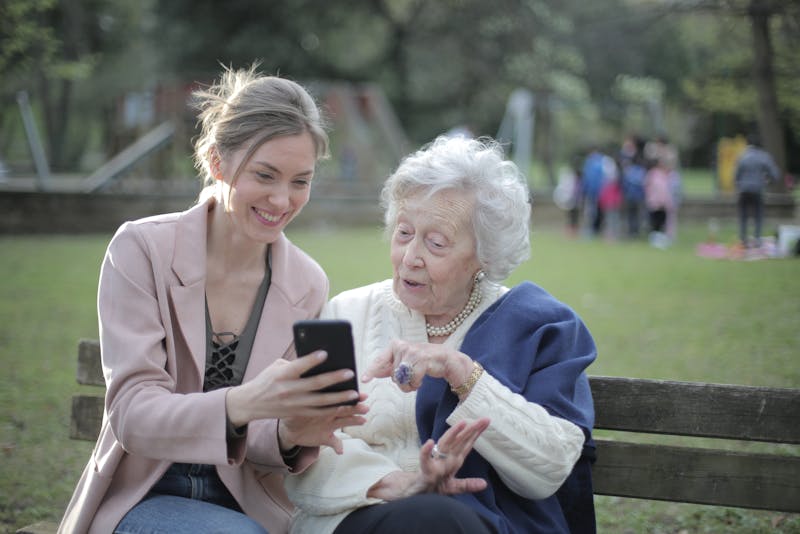
Seniors want phones that offer both simplicity and functionality. Image by Pexels
For many older adults, the Jitterbug flip phone offers an ideal balance between simplicity and functionality.
One of its greatest strengths is ease of use. Smartphones often require users to manage app stores, updates, and complicated menus. Seniors who only want to call family members or send a quick text message may find those features unnecessary.
The Jitterbug flip keeps the experience straightforward. Opening the phone answers calls, and the menu clearly lists options such as Phone, Messages, Contacts, and Settings.
Another advantage is comfort and familiarity. Many seniors used flip phones for years before smartphones became popular. Returning to a similar design often feels natural and less intimidating.
Safety also plays a major role. The emergency response button allows users to reach assistance quickly if they fall, feel unwell, or need help contacting family members.
Of course, the phone does have limits. It is not designed for extensive internet use, mobile apps, or media streaming. Seniors who enjoy social media, video streaming, or online shopping may prefer a smartphone instead.
However, for those who simply want a reliable way to make calls and send texts, the Jitterbug flip phone can be a practical and comfortable choice.
>>>Read more: How to Get a Free iPhone Through Government Programs in 2026
How to Set Up a Jitterbug Flip Phone
Learning how to set up a Jitterbug Flip phone is typically quick because the device is designed for first-time users.
Begin by charging the phone using the provided charging cable. After the battery has enough power, open the phone and press the power button until the screen turns on.
The setup process usually involves a few basic steps.
- First, activate the phone service. After turning on the phone, service activation may be required through Lively’s customer support or online activation process.
- Next, add important contacts. Saving family members, caregivers, and medical providers in the contact list makes it easier to place calls quickly.
- After that, adjust display and sound settings. Increasing the text size, brightness, and volume can make the phone easier to read and hear.
- Finally, explore the main menu. The interface presents options in a simple list, allowing users to navigate through calls, messages, contacts, and settings with minimal effort.
Because the device avoids complex features, most seniors can learn how to set up a Jitterbug Flip phone within a short time.
Jitterbug Flip 2: What’s New and What’s Different?
The Jitterbug Flip 2 is an updated version of the original phone that maintains the same senior-friendly design while adding several improvements.
One of the most noticeable upgrades is the brighter and clearer display. The screen provides better visibility for reading messages and navigating the menu.
The Jitterbug Flip 2 also introduces improvements such as:
Enhanced audio clarity
The phone includes loud, amplified speakers that help users hear conversations more clearly.
Voice typing for text messages
Instead of typing on the keypad, users can dictate messages, which makes texting easier for those with limited dexterity.
Improved performance
Updated internal software helps the phone respond faster and run more smoothly.
Continued safety services
Emergency response features remain a core part of the device, providing quick access to assistance when needed.
Although the Jitterbug Flip 2 includes these improvements, the overall philosophy remains the same. The phone prioritizes simplicity and reliability rather than adding complicated smartphone features.
FAQs About the Jitterbug Flip Phone
Does Jitterbug Flip 2 have internet access?
Yes, the Jitterbug Flip 2 provides limited internet access. It includes basic web browsing and email features but does not support app downloads, social media apps, or advanced smartphone functions.
How do you set up a Jitterbug Flip phone for the first time?
To set up the phone for the first time, charge the battery, turn on the device, and activate the service if required. After activation, users can add contacts, adjust text size and volume, and explore the menu options. Because the phone uses a simple interface, learning how to set up a Jitterbug flip phone is usually straightforward.
Is the Jitterbug flip phone good for seniors with vision or hearing issues?
Yes. The Jitterbug flip phone is designed to support seniors who may have vision or hearing challenges. Large buttons, bright text on the screen, and loud speaker volume help make the phone easier to use for many older adults.
Conclusion
The Jitterbug flip phone remains a practical communication device for seniors who want simplicity, clarity, and reliable calling features. With large buttons, easy navigation, and built-in safety support, it focuses on the essentials that many older adults value most.
While the phone does not offer internet access or smartphone-style apps, its straightforward design makes everyday communication easier. For seniors who prefer a simple mobile device that works without complicated settings, the Jitterbug flip can be a dependable and comfortable option.